
Editing an Item
When needing to update an Item, clicking Edit this Item under the Items tab will allow you to edit the Item Name, Item Category, Manufacturer, Code, Supplier, Supplier SKU, Weight, Description, and Adding/Remove Item Images.
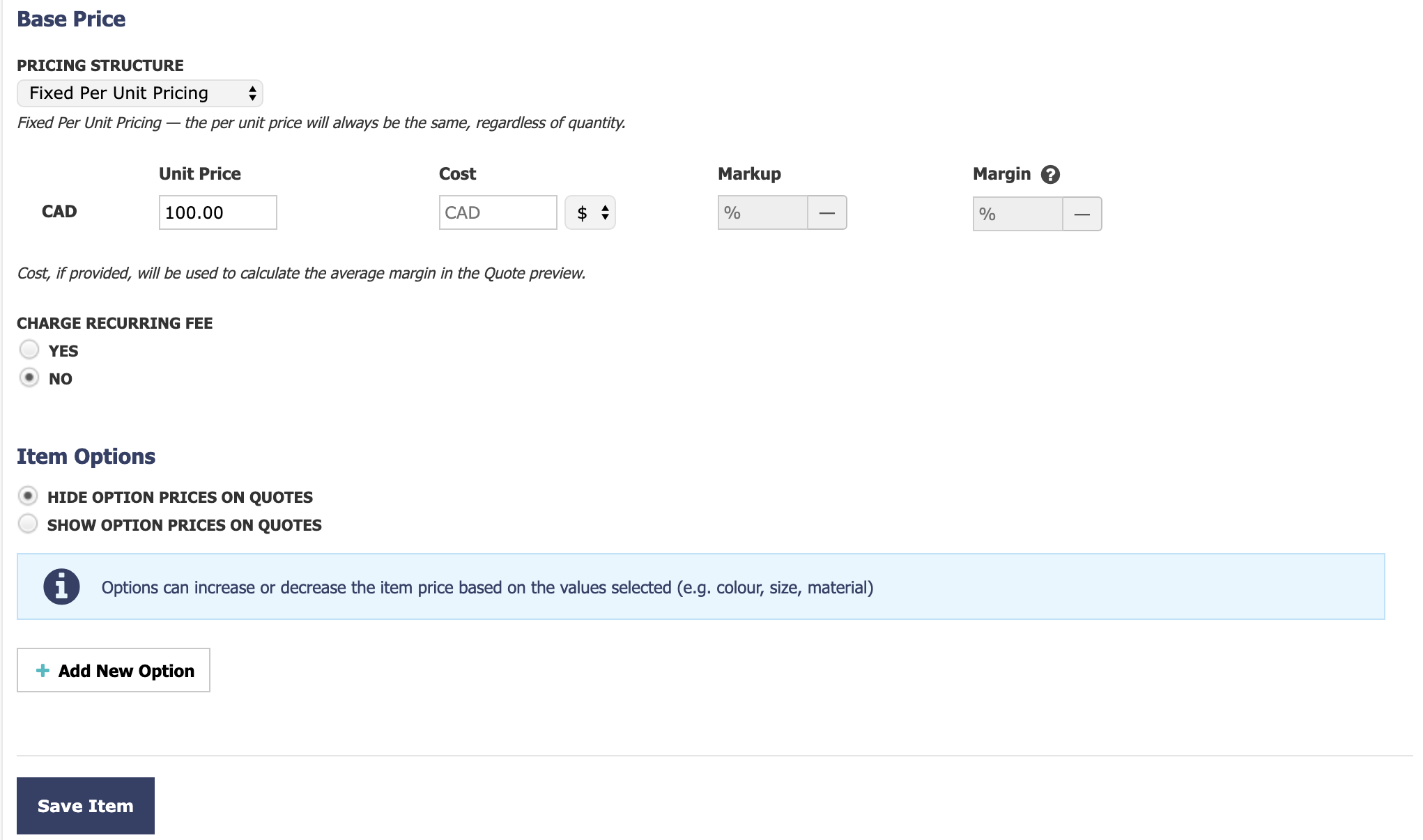
When editing an Item, you'll also be able to update Pricing, Enable Charging of Recurring Fees, Item Options, bundle a Child Item (Item Bundling), add Attachments (Item Settings), and add Internal Item Notes (Item Settings)
Deleting an Item
Items can be deleted individually or in bulk. Deleted Items will be removed from any Templates where they have been added, but existing Quotes will not be affected.
On the Items tab, clicking the X next to the individual Item will delete it:
A confirmation window will appear before the Item is deleted. You can also delete multiple Items at once by selecting the checkbox on the left and choosing Delete from the Bulk actions dropdown menu:
Note: If an Item is accidentally deleted, contact the support team as listed below as we may be able to recover it.
| ✉️ Any questions? Reach out to our friendly, neighborhood support team by submitting a support ticket. |
| 🎙️ Interested in attending a live Q&A session with our Product Adoption team? Sign up to attend Quoter Office Hours and get real-time answers to your questions. |